What an automated lead record should carry forward
An automated lead record is more useful when it preserves the context behind the next action, not just a list of fields.
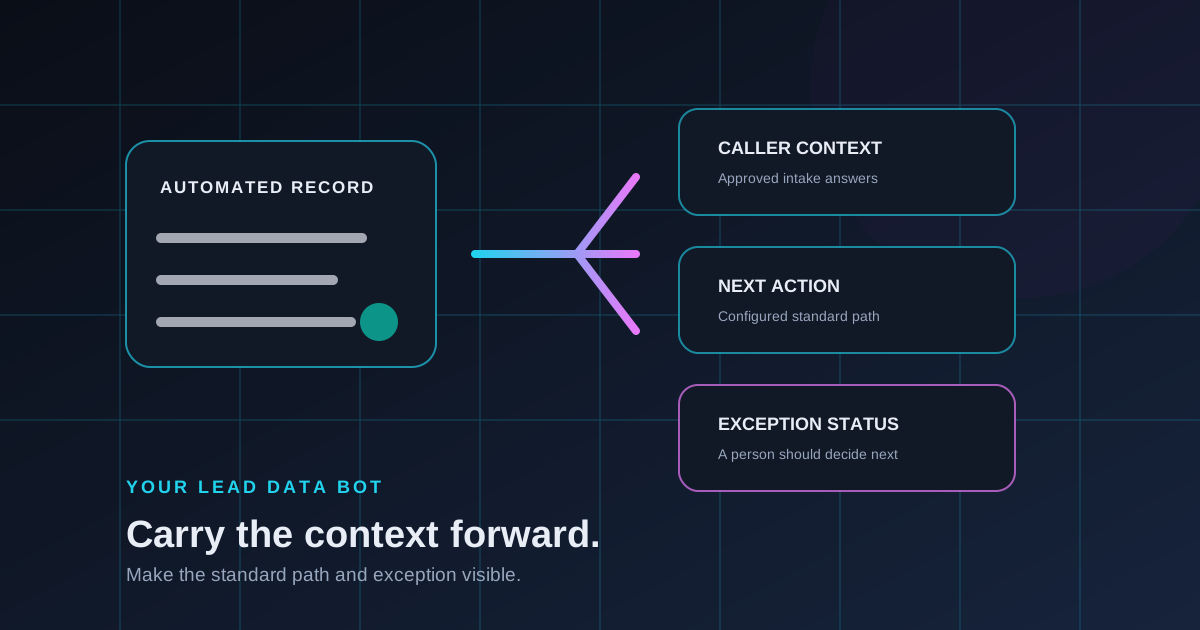
An automated inbound flow creates value when the record it produces gives the next person or process enough context to understand what happened. A name and contact detail may be useful, but the record becomes more actionable when it also preserves why the caller reached out, what was learned, and what the configured path selected next.
Start with the context behind the record
Define the approved intake answers that change the next action. Those may include the caller’s reason, the details needed for a standard qualification path, and the outcome the business has configured for that type of conversation. The goal is a useful record for the team’s workflow, not a larger record for its own sake.
- Capture the caller’s reason and approved intake answers
- Preserve the standard outcome or next owner for the conversation
- Mark when a call leaves the configured default path
- Keep enough context for a person to continue when needed
Separate a completed path from an exception
A record should make it clear whether the call followed a standard route or needs another decision. That distinction helps a team understand what the automated flow already handled and where human judgment should begin. It does not require a claim that every call can run without people; it makes the handoff boundary easier to operate.
A good automated record tells the next owner what happened, what comes next, and where the usual path stopped fitting.
Review the record as the workflow changes
Questions and next steps should reflect the way the business currently works. Periodic review helps the team remove details it does not use, clarify the exception status, and keep the lead record connected to the decisions people actually need to make.
Your Lead Data Bot helps B2B teams define repeatable inbound intake and useful automated lead context. See How It Works, explore the FAQ, or talk through your automated record flow.